ANATOMY AND PHYSIOLOGY · CHAPTER 7
The Human Skeleton
Follow along with your worksheet, one question at a time.
mrsajdak.com/skeleton
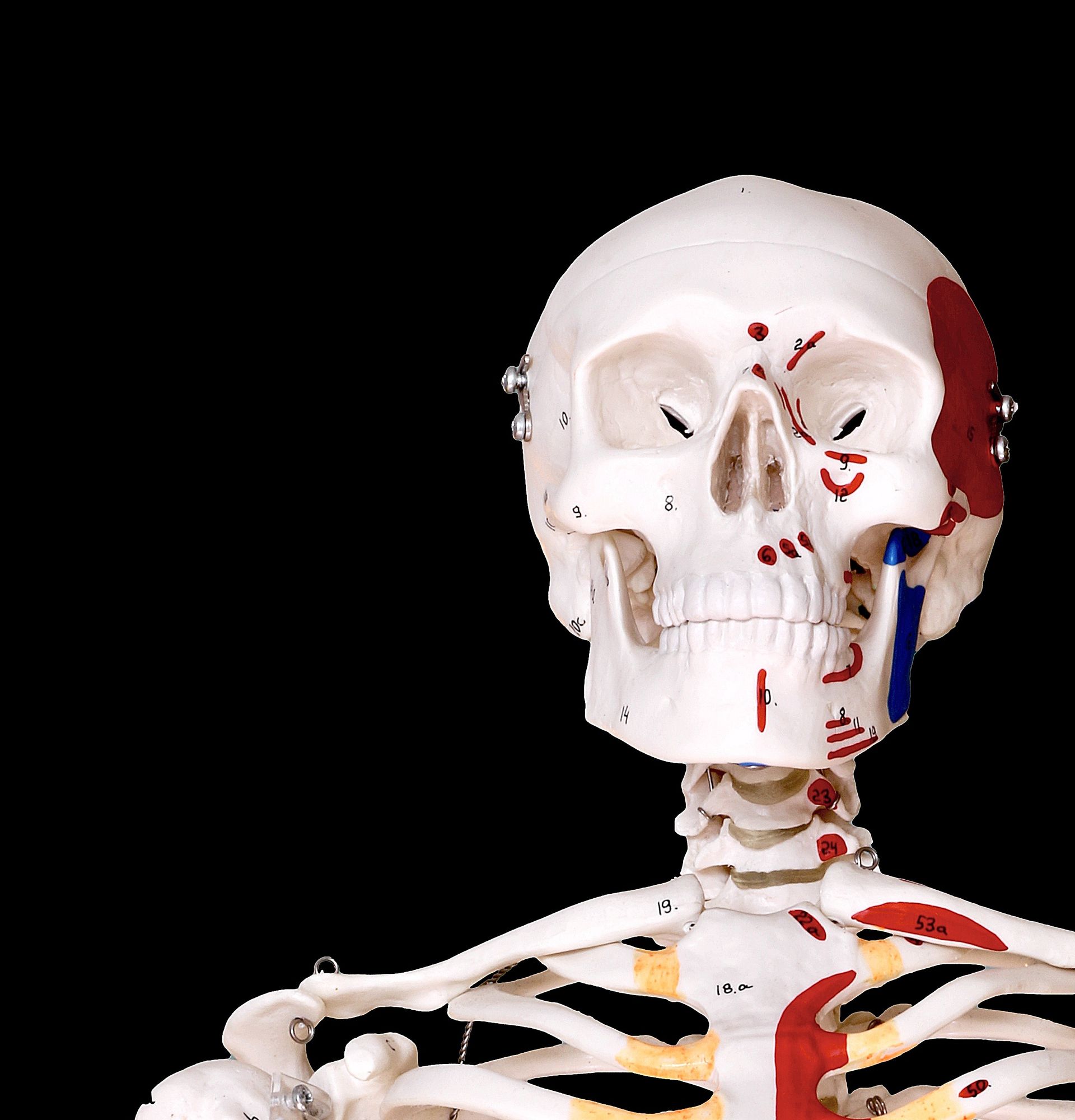
Photo: FotoEmotions, CC0
BEFORE YOU START
206 bones, one system
In this lab you will
1. Sort the bones two ways.
2. Count them.
3. Find bones from clues.
4. Take a hand and a foot apart.
5. Test yourself.
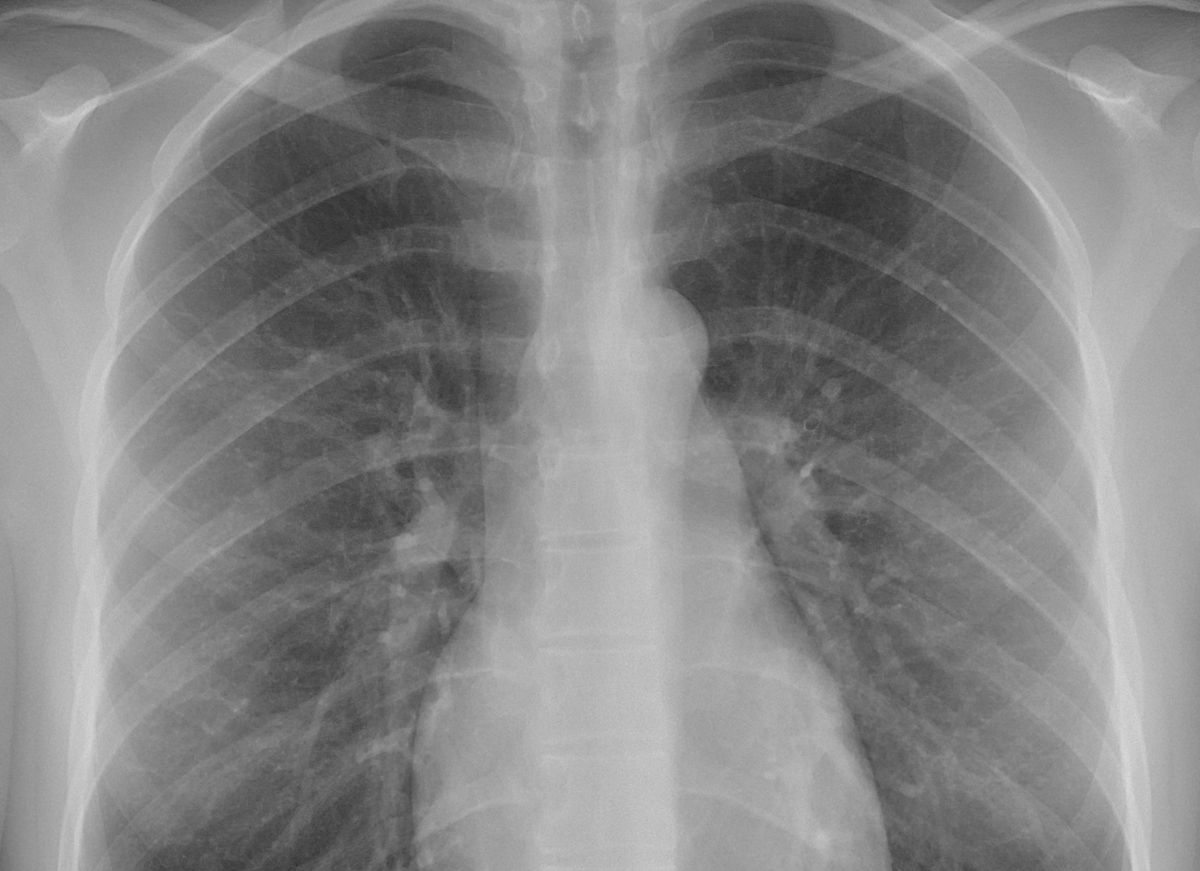
Your bones come in many shapes. Why are they not all the same?
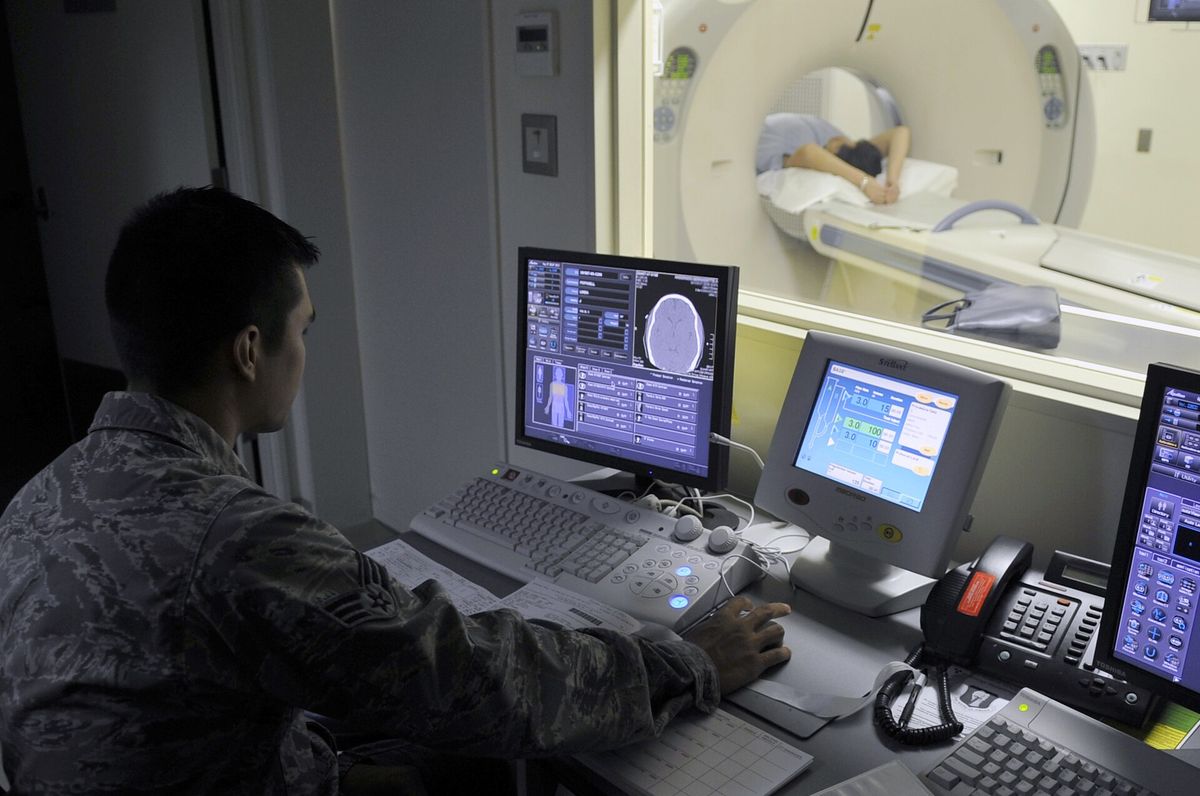
Photos: Mikael Häggström, CC0 · U.S. Air Force
BEFORE YOU START
Get set up
1
Open mrsajdak.com/skeleton on your device.
2
Write your name, the date and your period on the worksheet.
3
Wait for the skeleton to show up. It can take a few seconds.
4
Find the two tabs. Stay on Explore for Parts 1 to 5.
| Where in the lab | Worksheet | Questions |
|---|---|---|
| Explore: Axial / appendicular | Part 1 | 1 to 3 |
| Explore: Shape | Part 2 | 4 to 7 |
| Explore: Region | Part 3 | 8 to 10 |
| Explore: Search | Part 4 | 11 |
| Explore: Take it apart | Part 5 | 12 |
| Find the bone | Part 6 | 13 |
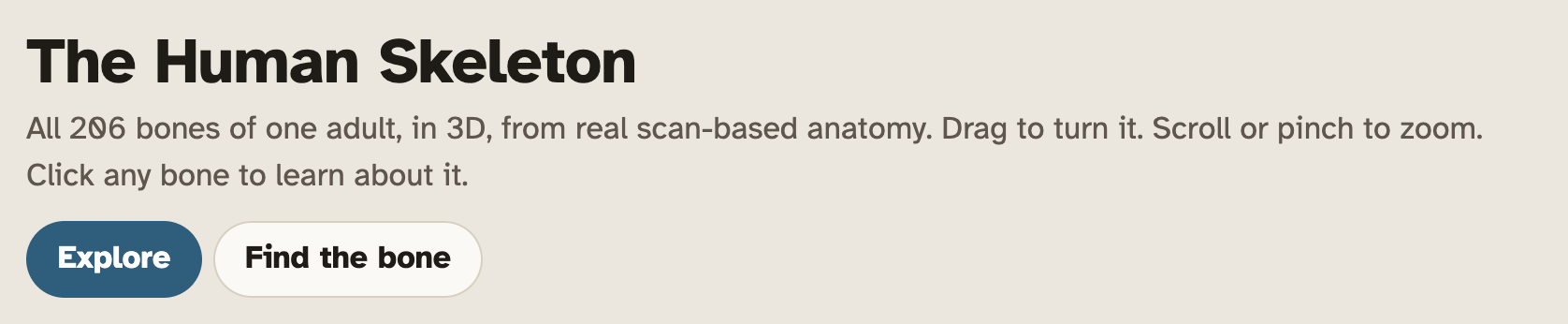
Screenshot: mrsajdak.com/skeleton
BEFORE YOU START
Move the model
1
Drag to turn the skeleton.
2
Scroll or pinch to zoom in and out.
3
Click a bone. Its card shows up next to the model.
4
Read the three tags on the card. Then read the fact under them.
5
Lost? Press Whole body.
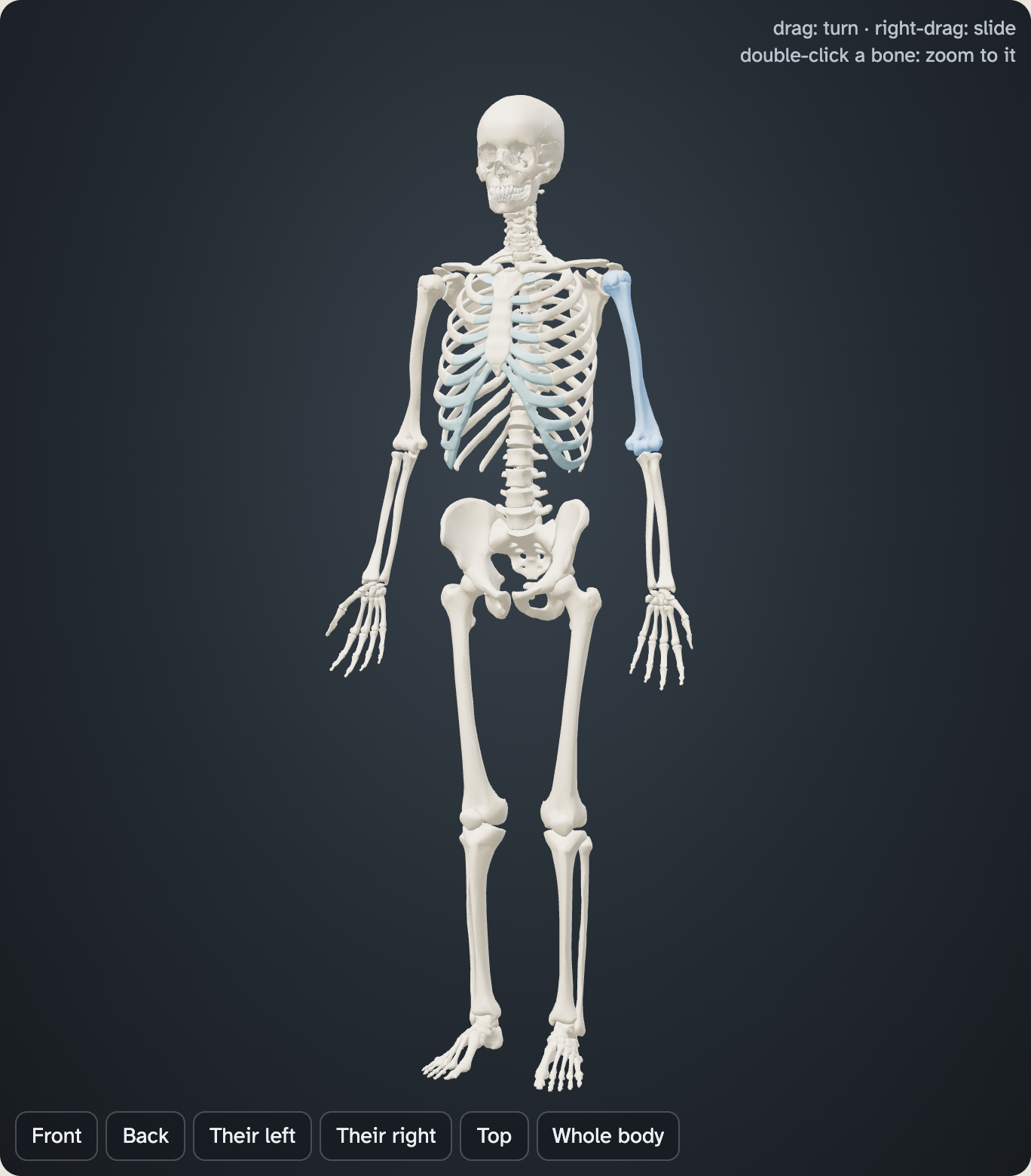
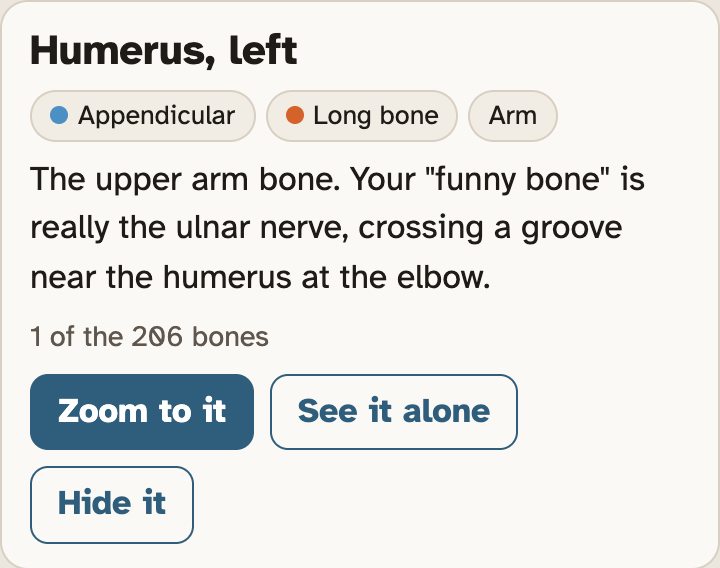
The tags say axial or appendicular, the shape, and the part of the body.
Their left means the skeleton’s left, not yours.
Screenshots: mrsajdak.com/skeleton, Explore tab
EXPLORE TAB · QUESTIONS 1 TO 3
Part 1. Two skeletons
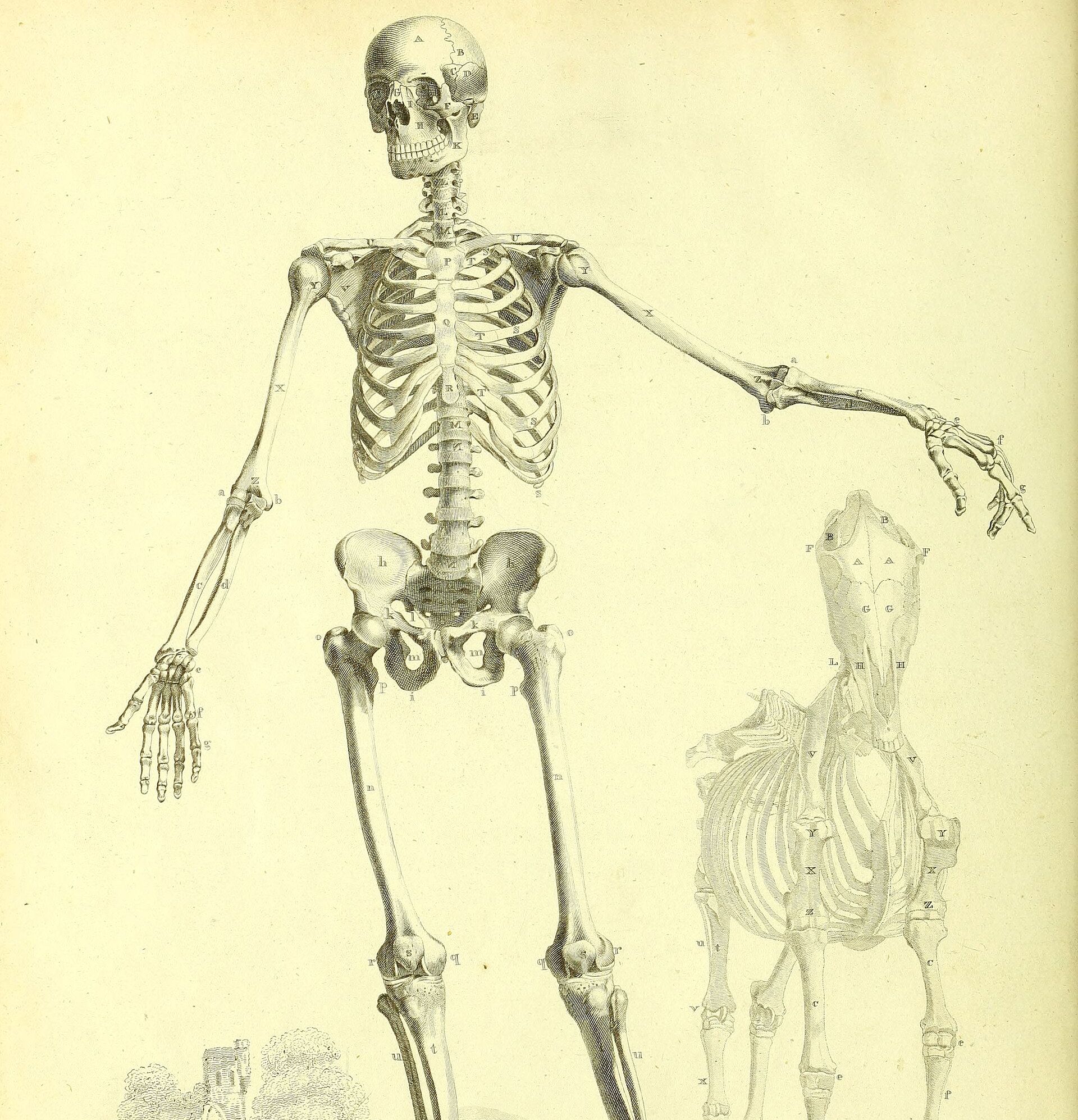
The axial skeleton is the center line of your body.
The appendicular skeleton is everything that hangs from it.
You will color the model to see both.
Engraving after B. S. Albinus, about 1820, public domain
PART 1 · QUESTION 1
Color it two ways
1
Find Color the bones by. Press Axial / appendicular.
2
Turn the model. Look at both colors from the front and the back.
3
Read the key under the buttons. It gives the number of bones in each skeleton.
4
Write both numbers. Add them to get the total.
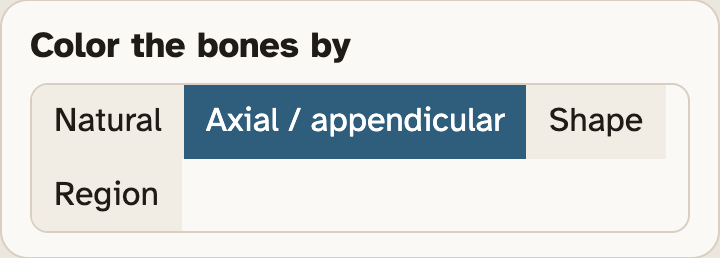
The key shows up under these four buttons.
Press Front and Back to turn the model fast.
Click a row in the key to light up just that skeleton. Click it again to bring the rest back.
Screenshots: mrsajdak.com/skeleton, Explore tab
PART 1 · QUESTIONS 2 AND 3
Click, then tick
1
Click a bone from your table. Or type its name in Search.
2
Read the first tag on its card. It says Axial or Appendicular.
3
Tick one box in that row.
4
Do all eight bones.
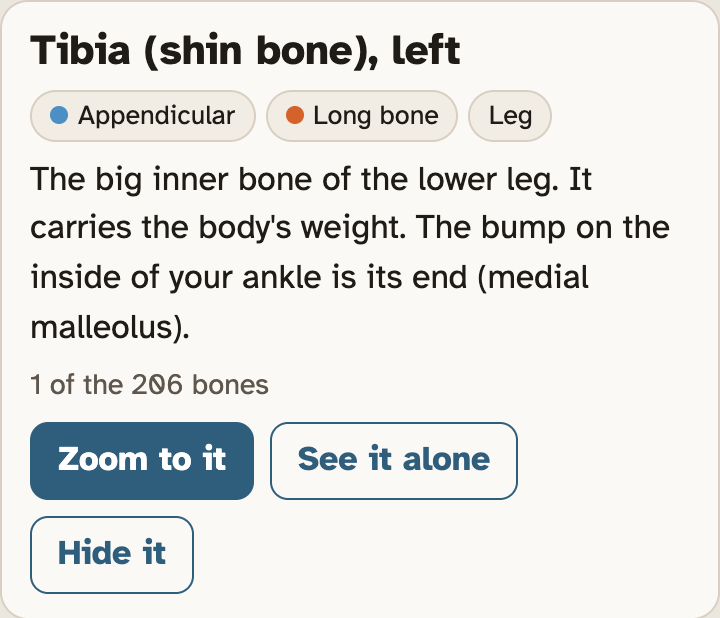
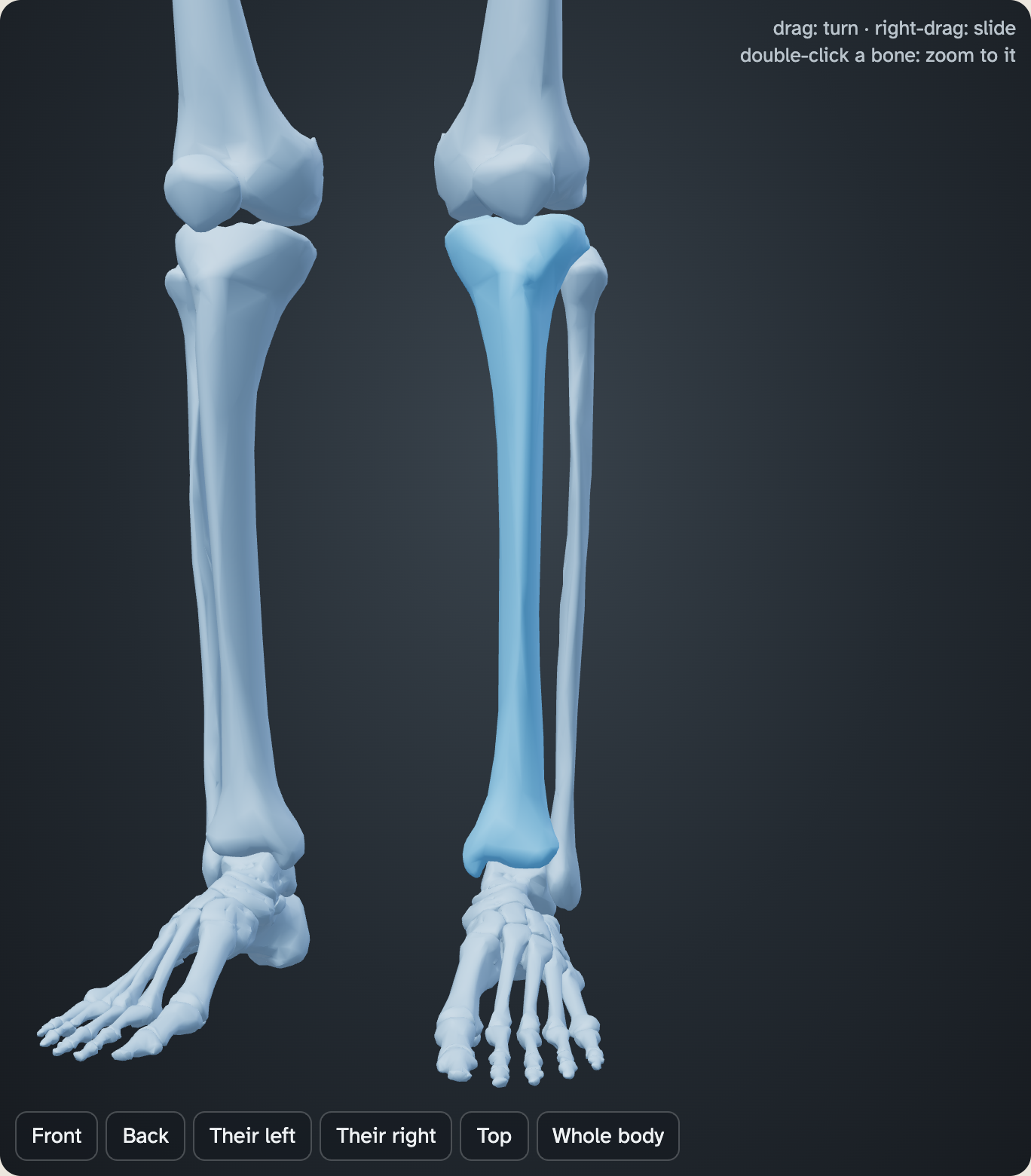
This card is for the tibia. It is not in your table.
The sternum comes in three pieces. Any piece works.
QUESTION 3
In the trunk, but appendicular?
The clavicle, scapula and hip bone sit in your trunk. They are not in your arms or legs.
Look at what each one joins. Then read the line under Appendicular skeleton in the key.
Screenshot: mrsajdak.com/skeleton, Explore tab
EXPLORE TAB · QUESTIONS 4 TO 7
Part 2. Sort by shape
Bones come in five shapes: long, short, flat, irregular and sesamoid.
You will count each kind. Then you will ask what each shape is good for.
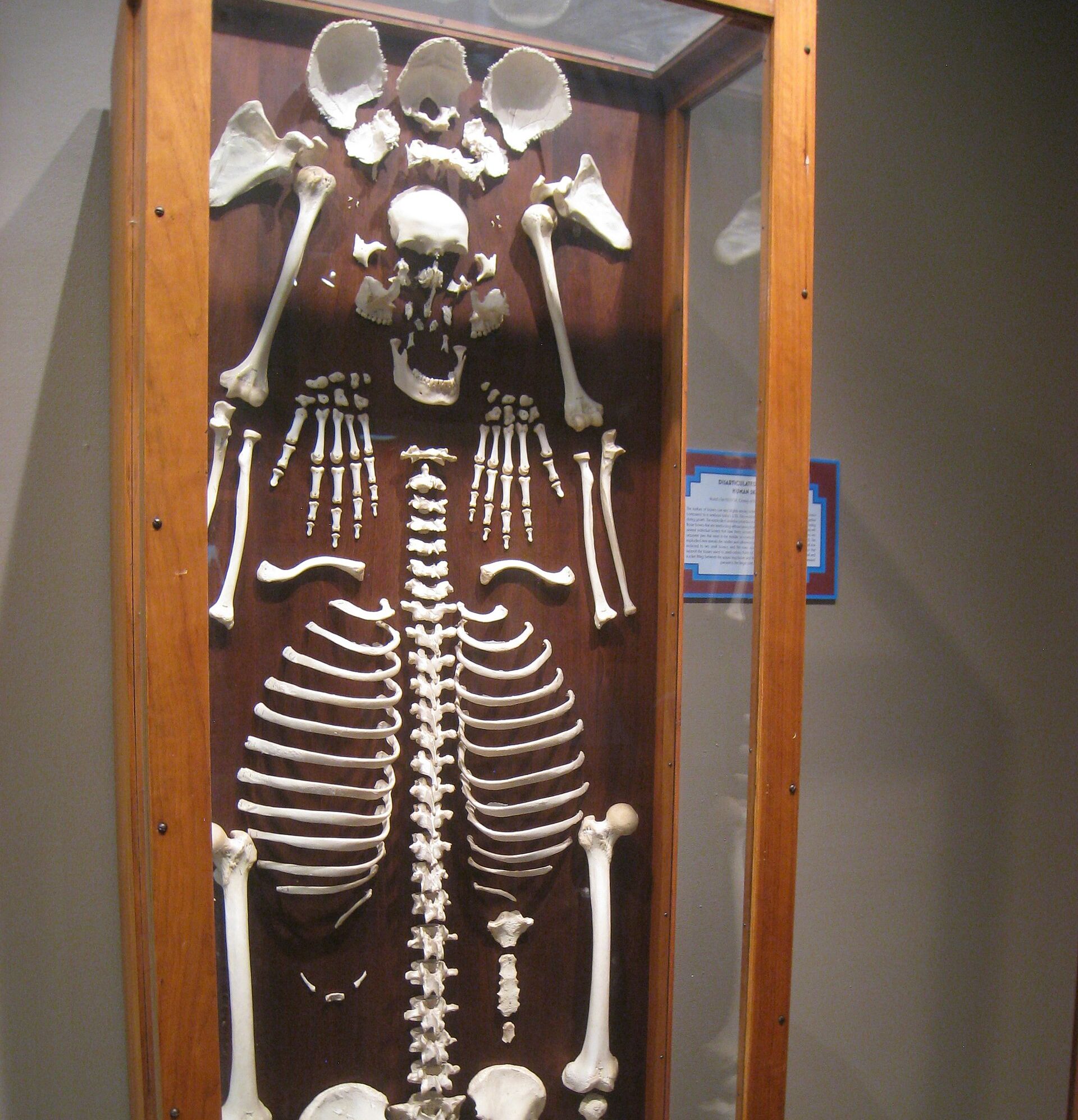
Photo: Daderot, public domain
PART 2 · QUESTIONS 4 AND 5
Five shapes in the key
1
Press Shape.
2
Read the five kinds in the key. Each kind has a color and a number.
3
Copy the five numbers into the table for Question 4.
4
Click a row in the key. Only that kind stays lit. Click it again to bring the rest back.
5
For Question 5, click each bone. Read the shape tag on its card.
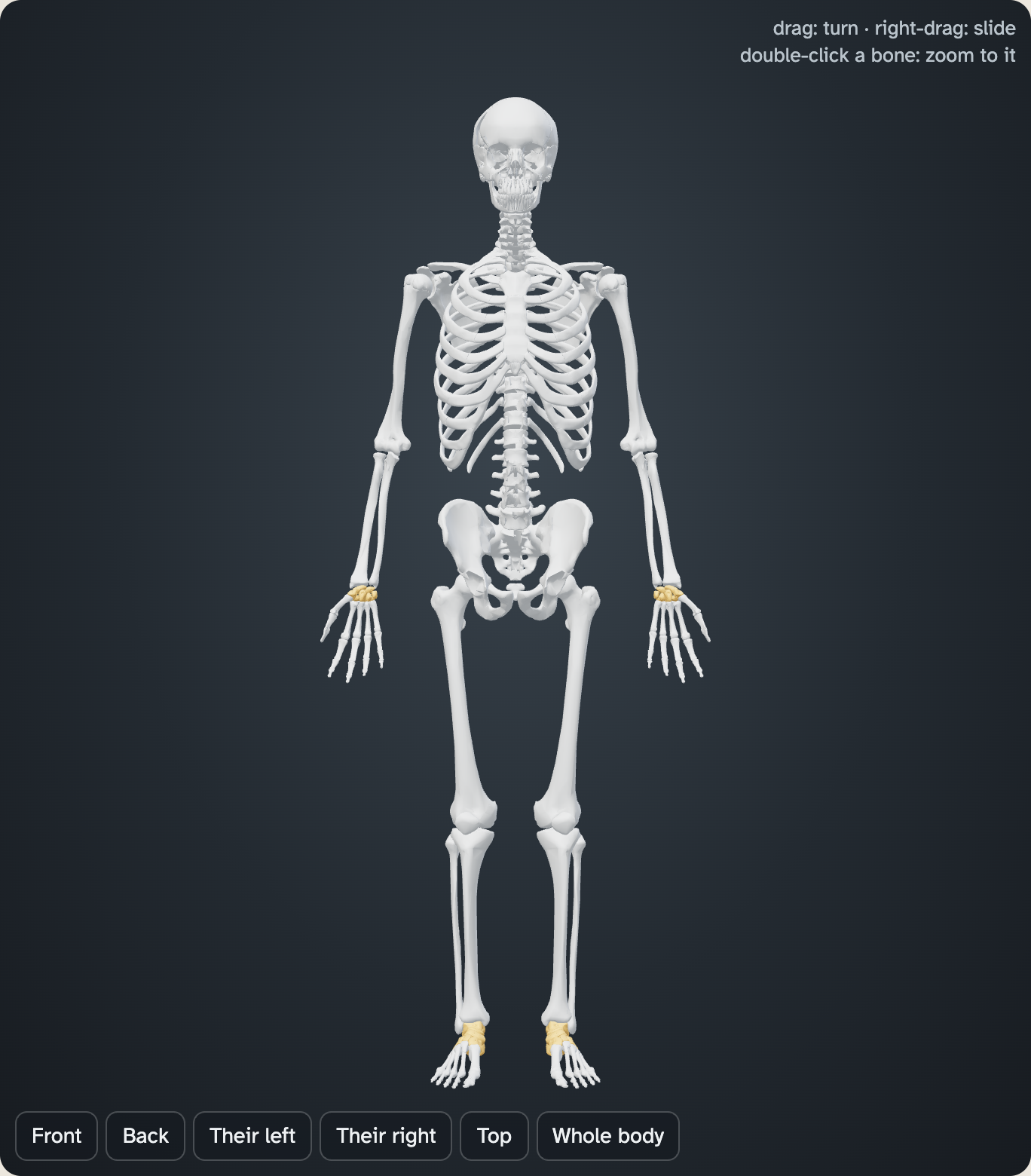
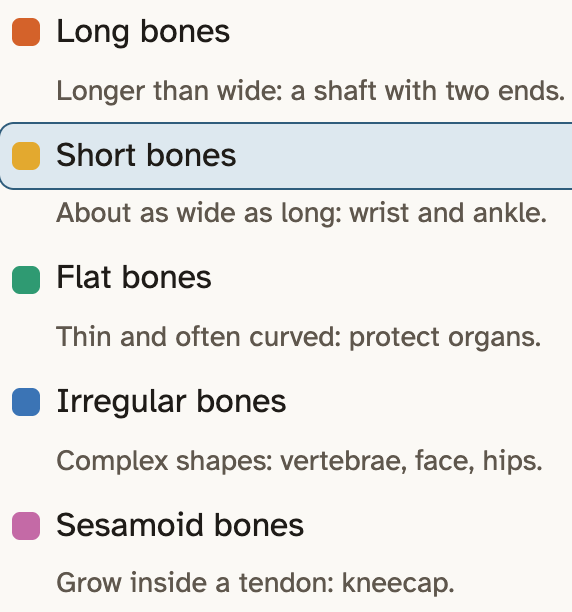
Here the Short bones row is lit. Your numbers are at the right end of each row.
Screenshots: mrsajdak.com/skeleton, Explore tab
PART 2 · QUESTIONS 5 TO 7
Shape is not size
QUESTION 5
9
Nine bones to sort
Click each bone. Its card has a shape tag.
Some are tiny. Type the name in Search. Then press Zoom to it.
QUESTION 6
Small
Small, but a long bone?
Click a fingertip bone. Read the fact on its card.
Then read the note under the key. What are bones sorted by?
QUESTION 7
Job
Around the brain and the heart
Light up one shape at a time. Which shape wraps the brain and the heart?
Read the line under that shape in the key. How does the shape fit the job?
EXPLORE TAB · QUESTIONS 8 TO 10
Part 3. Count them
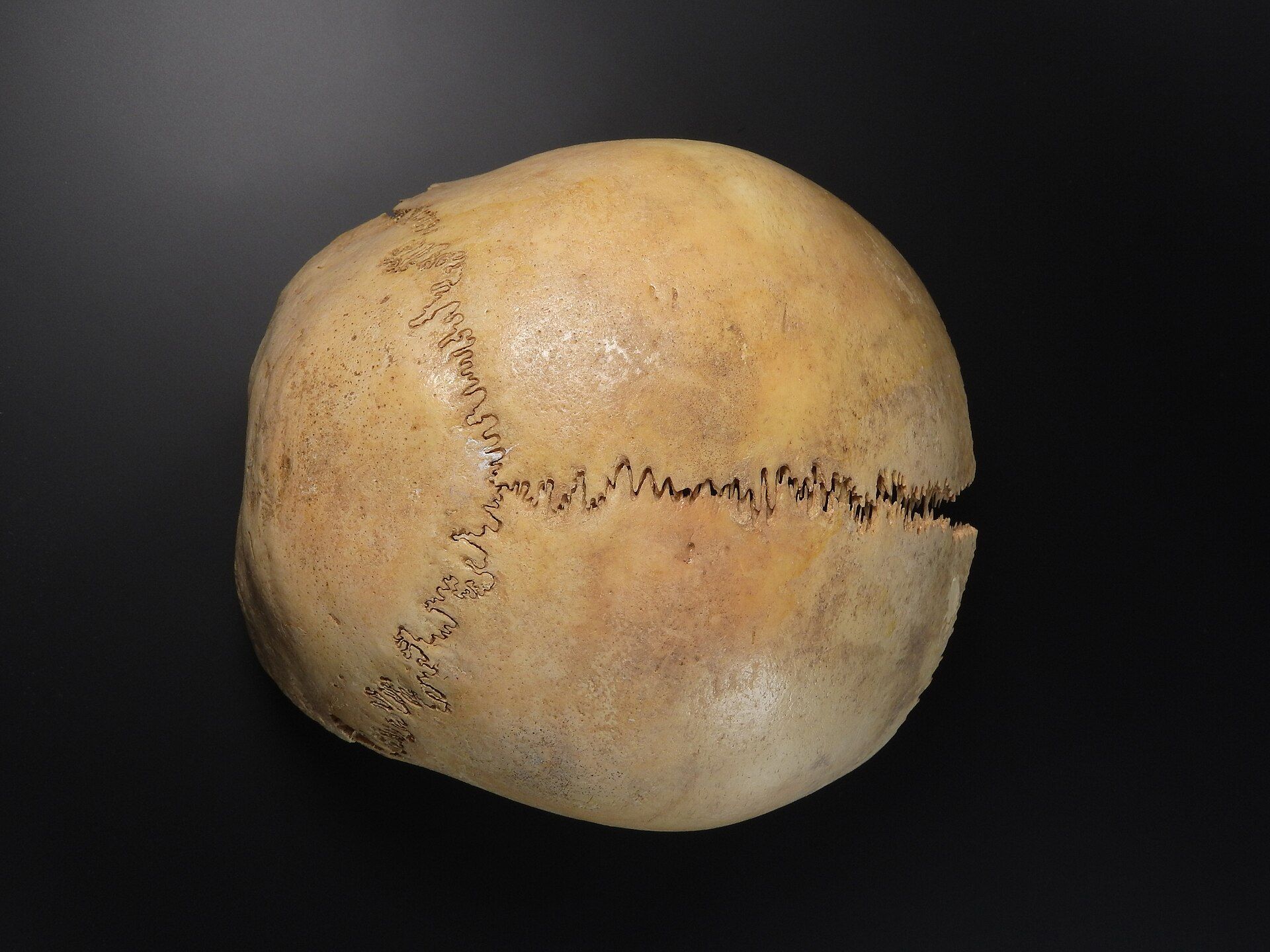
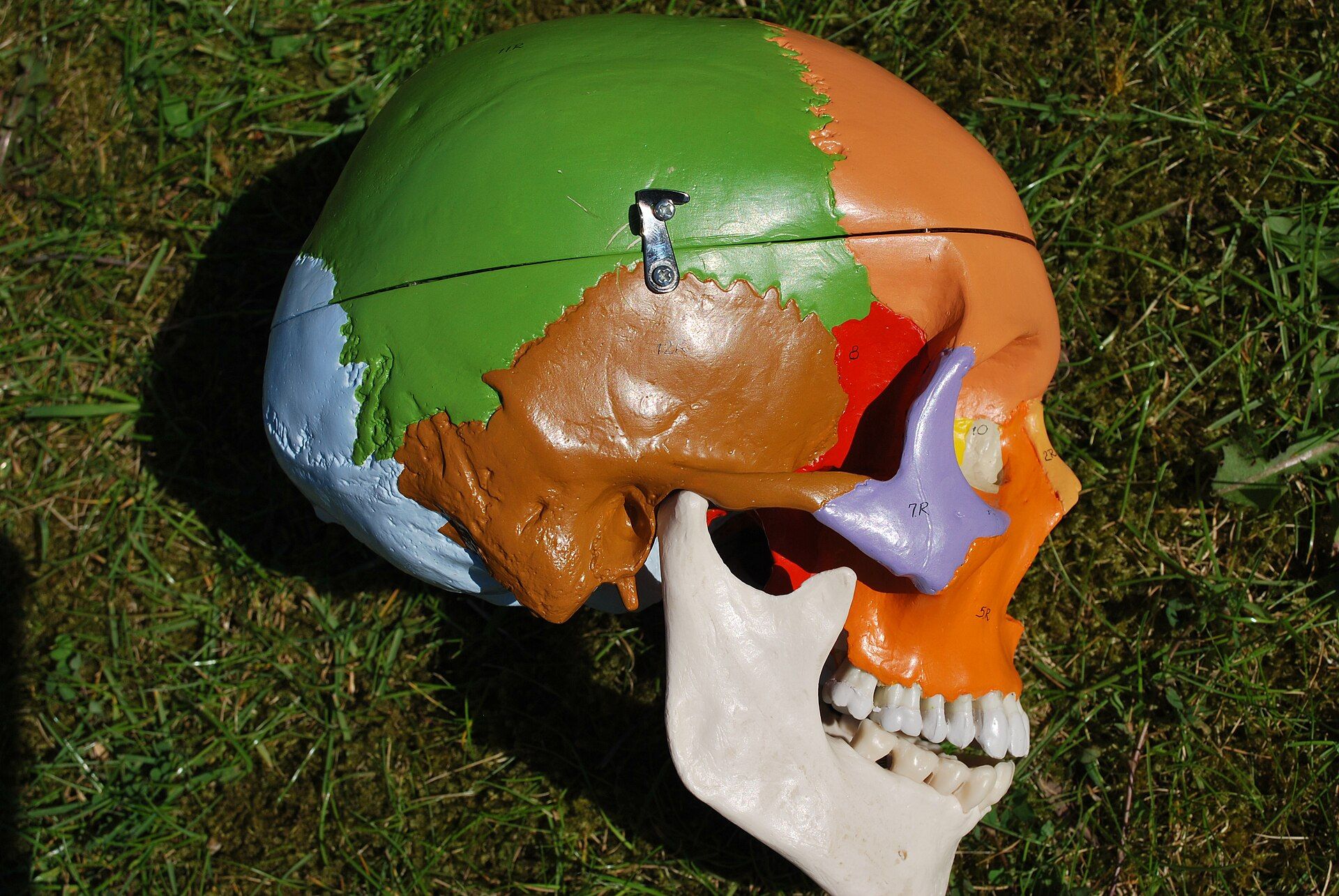
A skull looks like one bone. The zigzag line shows where two bones meet.
You will count the bones in each region of the body. Then you will find where most of them are.
Photo: MAKY.OREL, CC0
PART 3 · QUESTION 8
Count by region
1
Press Region.
2
Click a row in the key. That part of the body lights up. The rest fades.
3
Find the six parts from your table in the key.
4
Copy the number at the right end of each row.
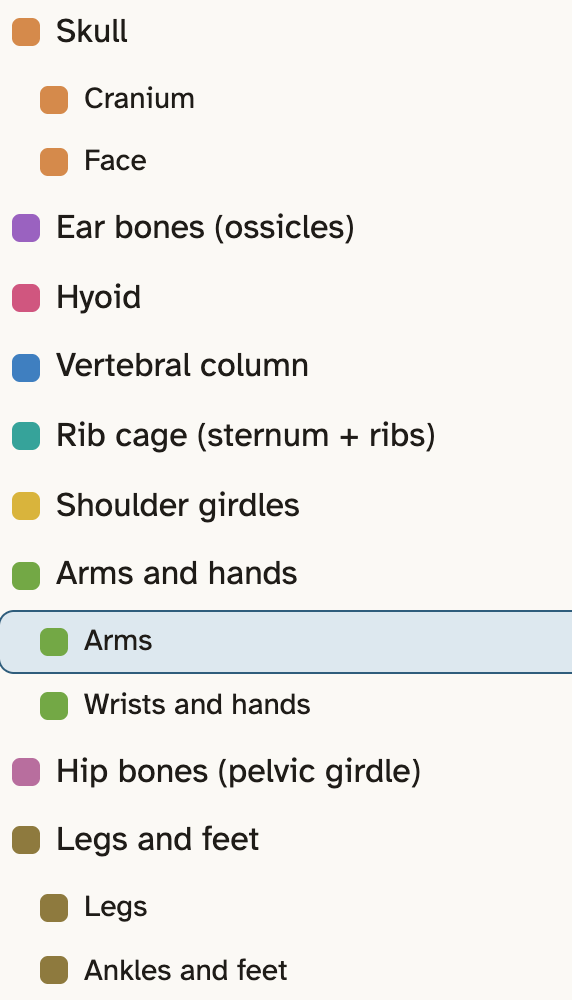
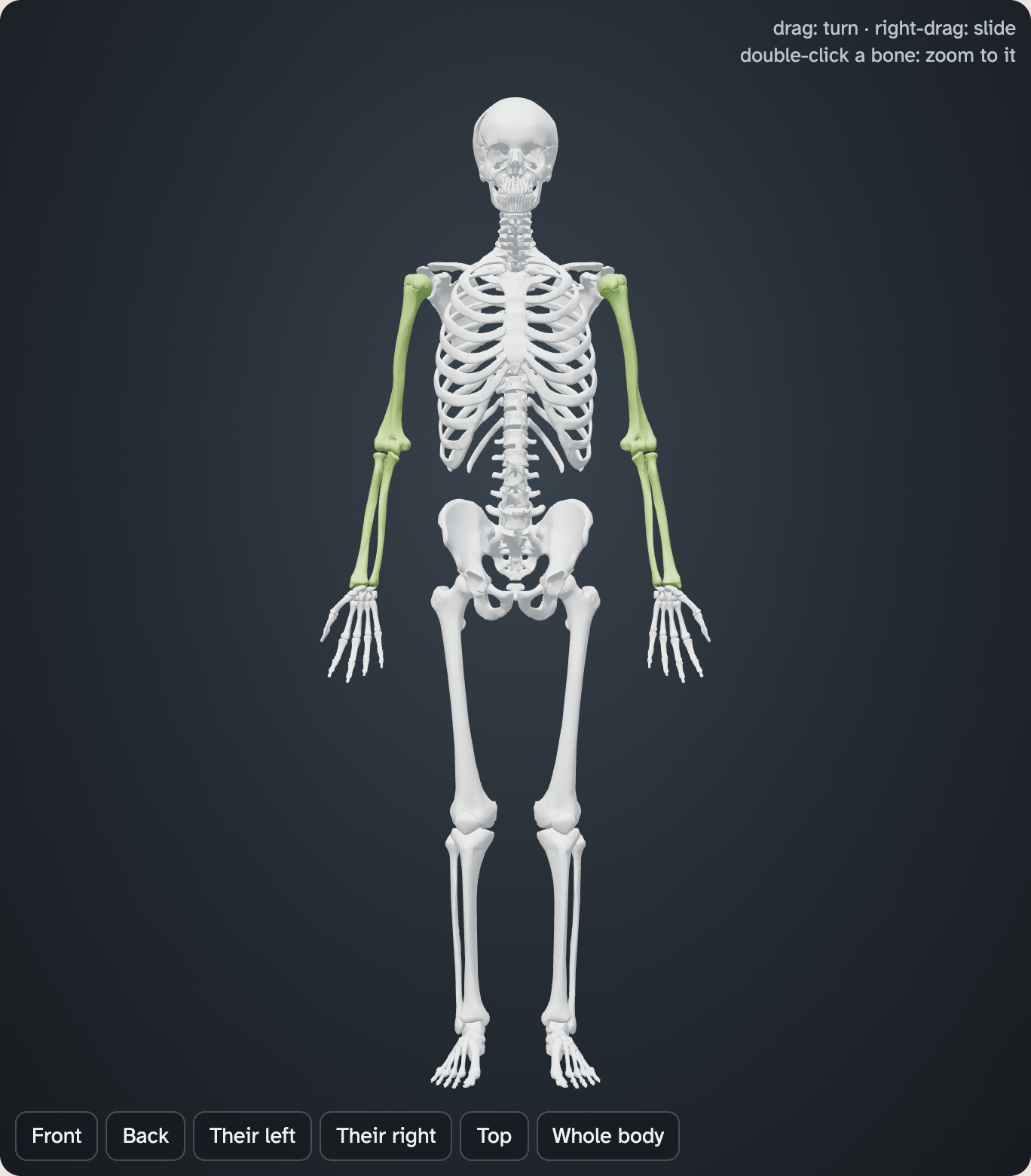
Here the Arms row is lit. It is not in your table.
Rows set in a little are parts of the row above them.
Screenshots: mrsajdak.com/skeleton, Explore tab
PART 3 · QUESTIONS 9 AND 10
How big a share?
1
Add your wrists and hands number to your ankles and feet number.
2
Divide the sum by 206.
3
Multiply by 100. That is the percent.
Example
Say one part of the body has 30 bones. Another part has 20.
Together they have 50 bones.
50 ÷ 206 × 100 = 24
That is about 24% of all 206 bones.
These are not your numbers. Use your own.
QUESTION 10
Why so many small bones?
Think about what your hands and feet do all day.
What happens at each place where two bones meet? How does that help a hand or a foot?
EXPLORE TAB · QUESTION 11
Part 4. Find the bone from the clue
Every bone in the lab has a card. Each card gives one fact.
You get eight clues. Match each clue to its bone.
Photo: John Campbell, CC BY 2.0
PART 4 · QUESTION 11
Search, then read the card
1
Read a clue. Guess the bone, or the part of the body.
2
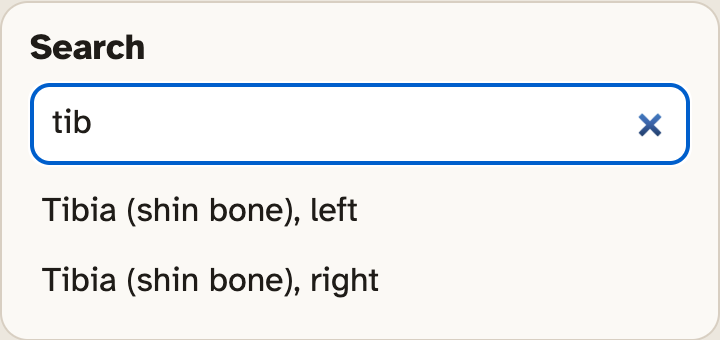
Type your guess in Search. A word like rib or wrist works too.
3
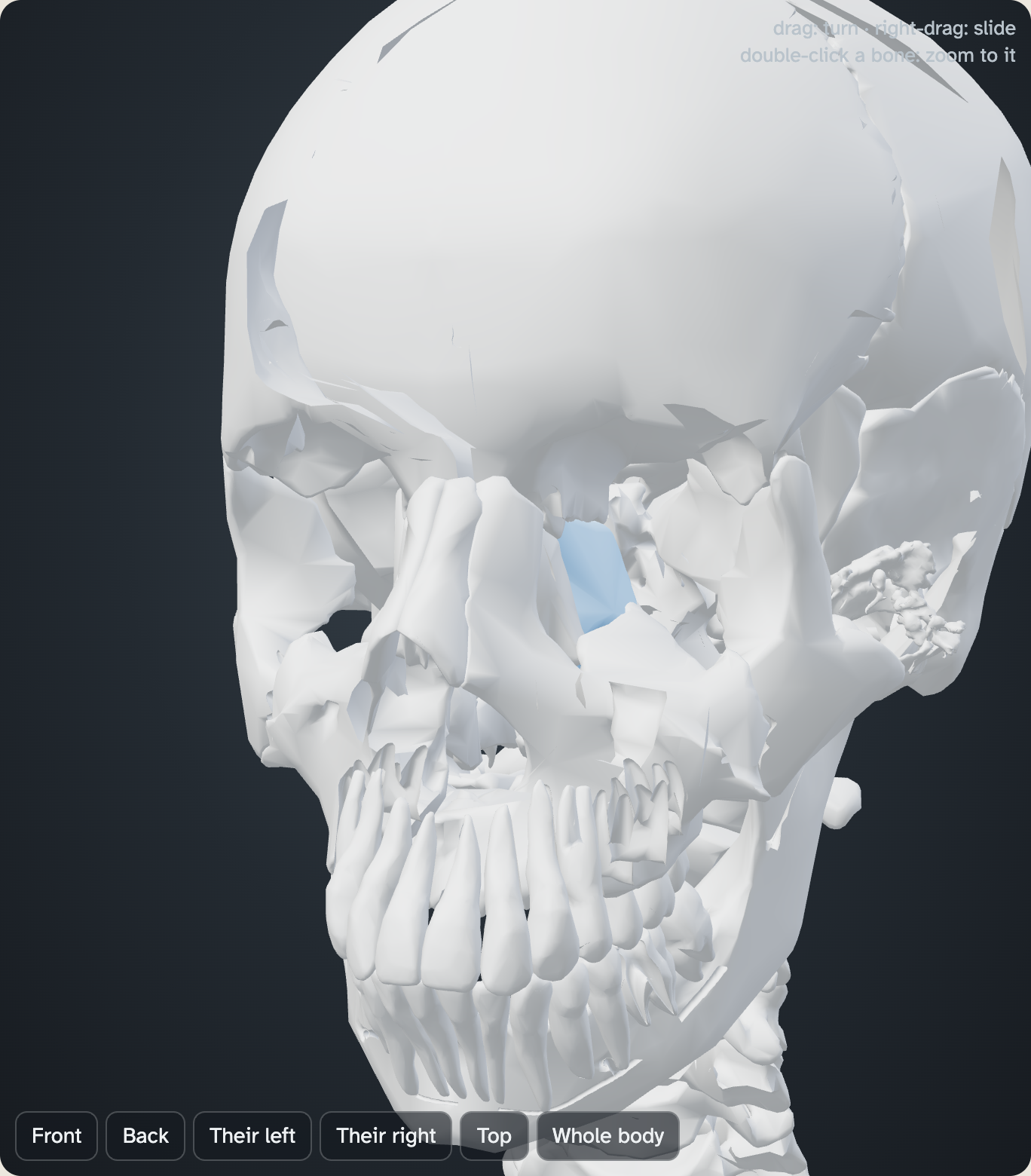
Click a name in the list. The model zooms to that bone.
4
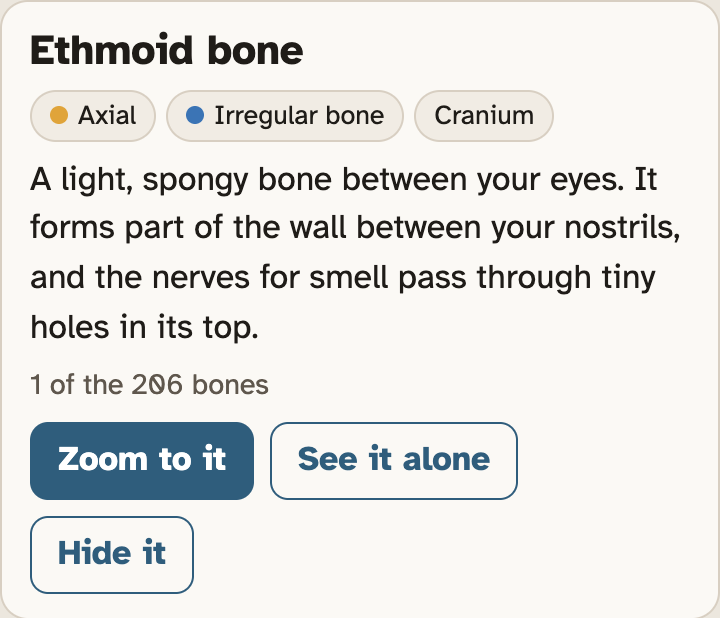
Read the fact on its card. Does it match the clue?
5
No match? Try the next bone.
You can also click bones on the model.
The fact on the card will not use the same words as the clue. Look for the same idea.
The tibia and the humerus are not answers.
Screenshots: mrsajdak.com/skeleton, Explore tab
EXPLORE TAB · QUESTION 12
Part 5. Take a hand and a foot apart
Your hands grip, pinch and hold. Your feet balance your whole body.
You will pull the model apart. Then you will count every bone in one hand and one foot.
Photo: NPS / Emily Hassell
PART 5 · QUESTION 12
Pull it apart and count
1
Press Shape.
2
Drag the Take it apart slider all the way to the right.
3
Zoom in on one hand. Count three groups: wrist bones, palm bones and finger bones.
4
Do the same for one foot: ankle bones, middle-of-foot bones and toe bones.
5
Add each row to get the total.
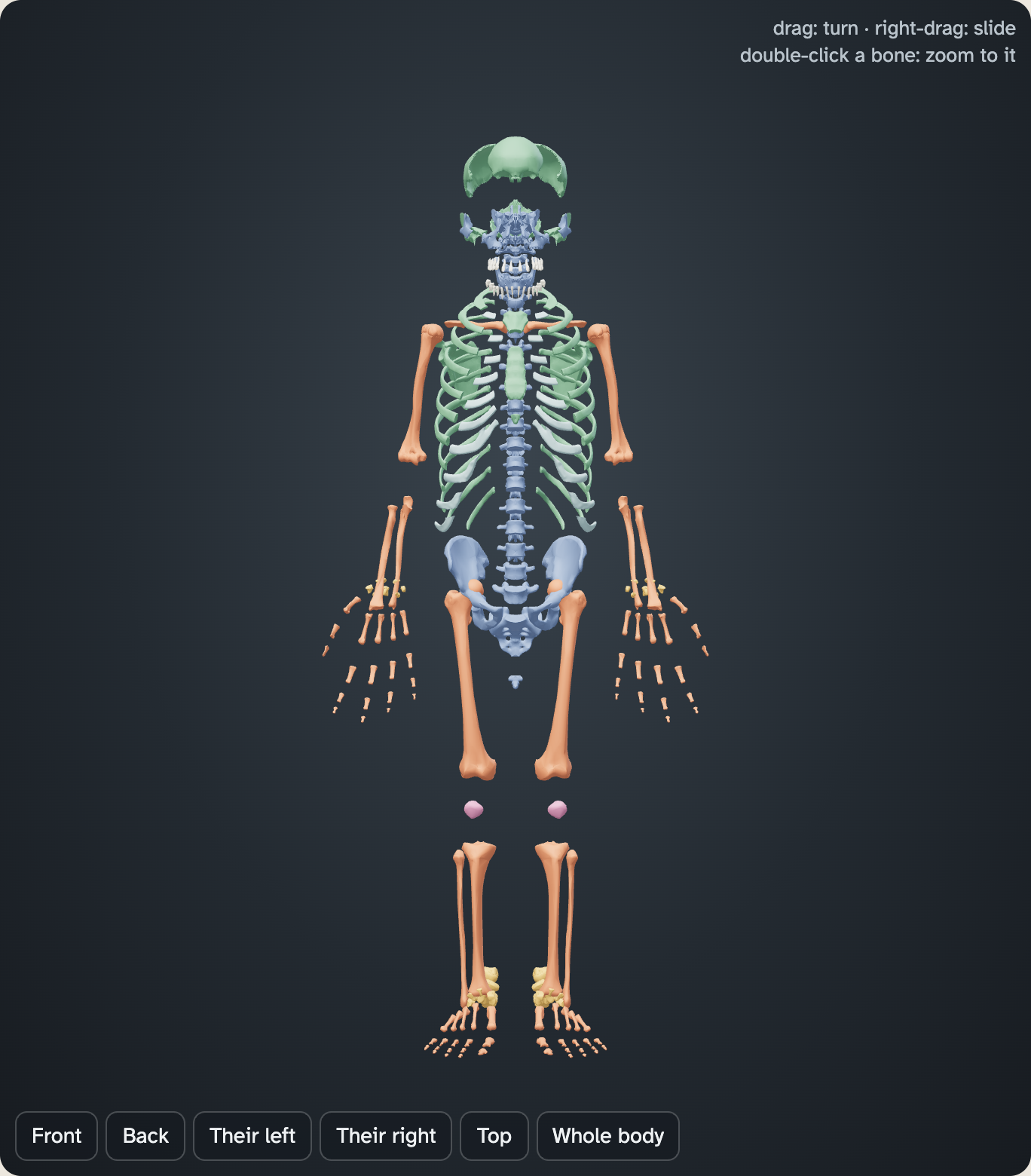
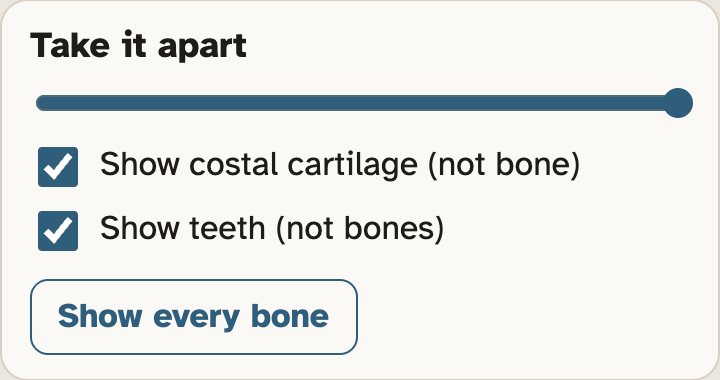
Short bones are the wrist and ankle bones. They share one color.
Lost count? Click a bone. Its card tells you what it is.
Screenshots: mrsajdak.com/skeleton, Explore tab
PART 5 · QUESTION 12
Check your count
NEW WORDS
Three groups
Carpals are wrist bones. Tarsals are ankle bones.
Metacarpals are palm bones. Metatarsals are in the middle of the foot.
Phalanges are finger bones and toe bones.
THE THUMB
Count its phalanges
Zoom in on the thumb. Count its bones past the palm.
Now count the same bones in one other finger.
Write both numbers under the table.
Example
Say one side of a body part has 20 bones.
Both sides together have 40.
20 × 2 = 40
Now double your own one-hand total. Does it match your wrists and hands number from Question 8?
These are not your numbers. Use your own.
PART 6 · QUESTION 13
Find the bone
1
Press the Find the bone tab.
2
Leave it on Major bones. Press Start a round.
3
The lab names a bone. Click that bone on the model.
4
You score a point only on the first click. After three misses, the lab shows you the bone.
5
Play two rounds. Write both scores. Then write one bone you missed and where it is.
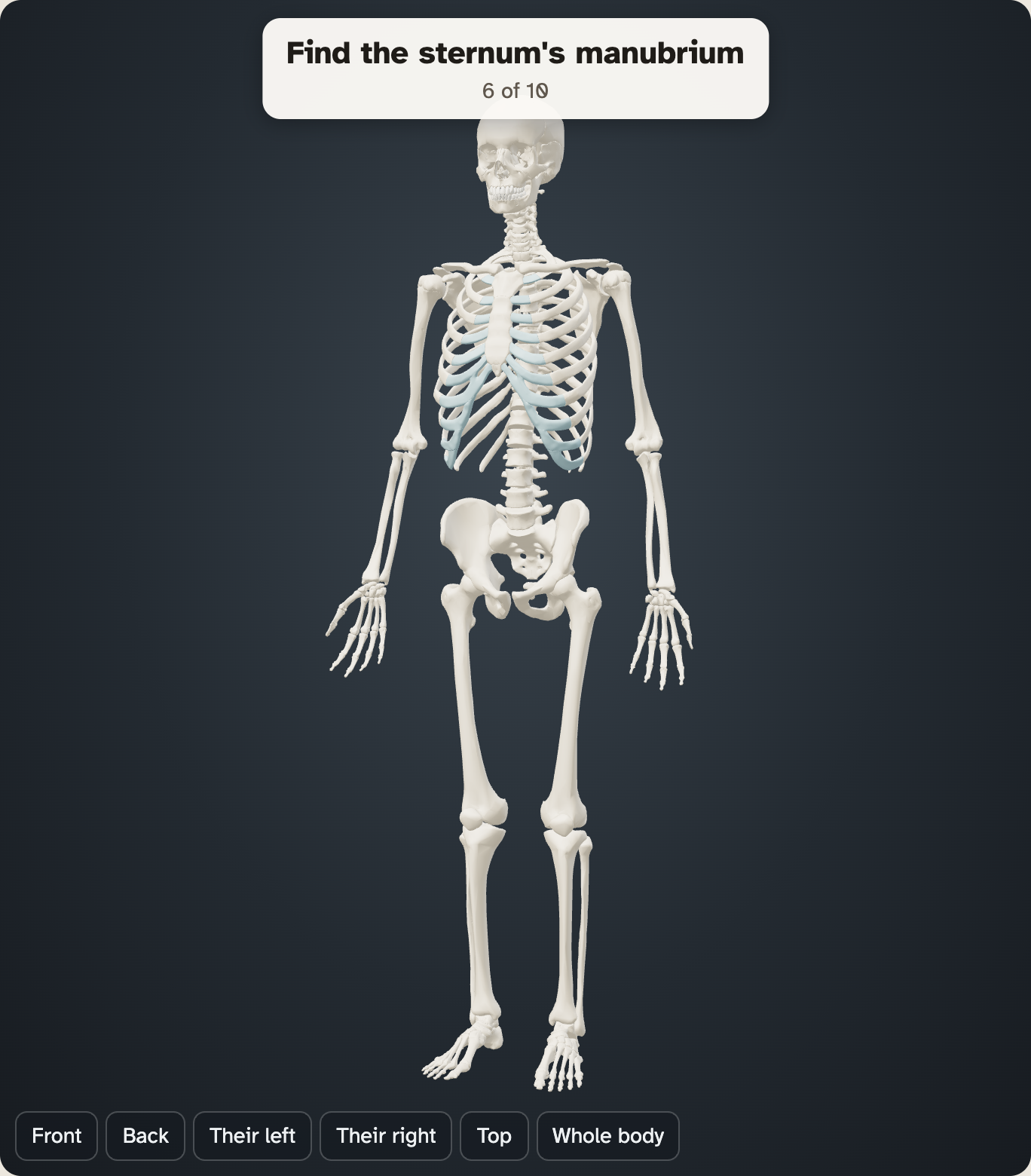
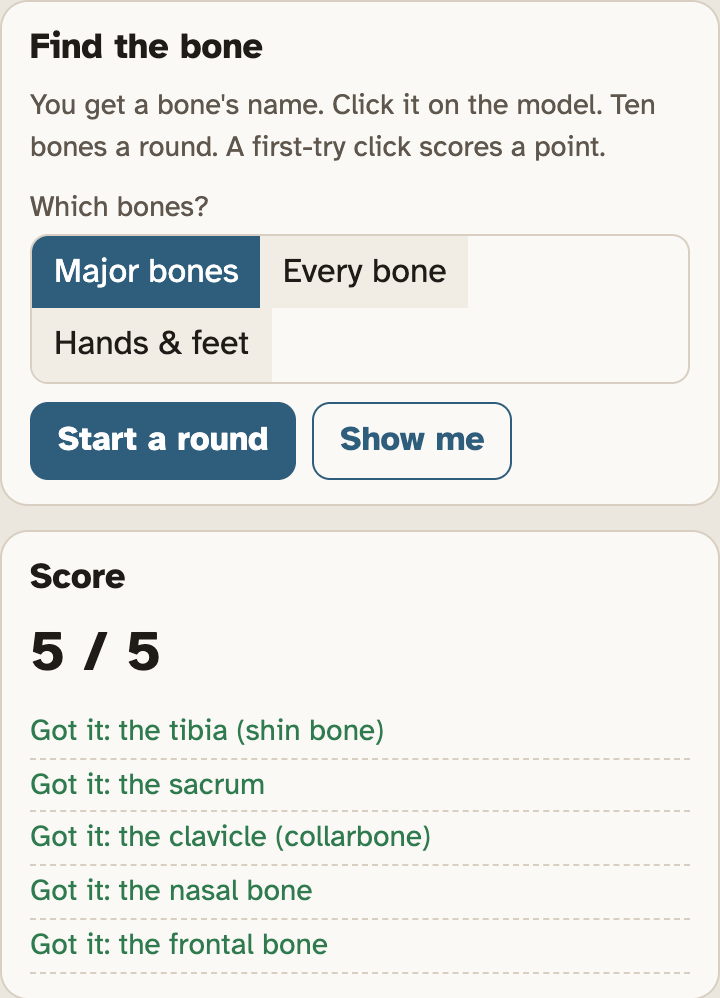
Show me gives up on a bone. It counts as a miss.
Screenshots: mrsajdak.com/skeleton, Find the bone tab
WRAP IT UP · QUESTION 14
Does shape fit the job?
The claim
“A bone’s shape fits the job it does.”
Evidence 1
Pick a bone, or a group of bones, from one part of this lab. Name its shape.
Evidence 2
Pick another from a different part of the lab. A different shape works well.
Reasoning
For each one, say how the shape helps the bone do its job.
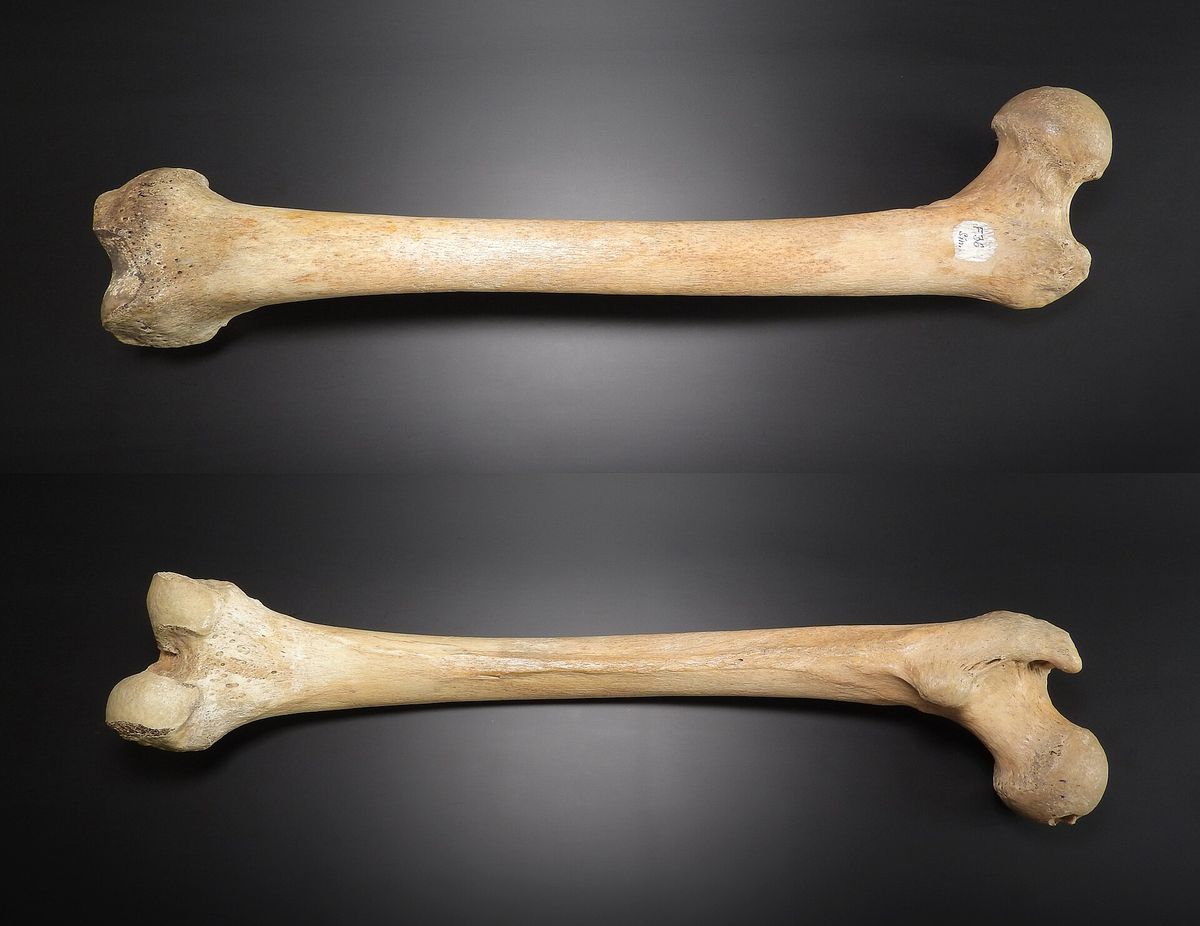
One bone, seen from the front and from the back. What job would this shape be good for?
Photo: MAKY.OREL, CC0
LAST CHECK
Before you hand it in
Name, date and period are on top.
Every table is full.
Questions 2 and 5 have one tick in each row.
Question 14 uses evidence from two parts of the lab.
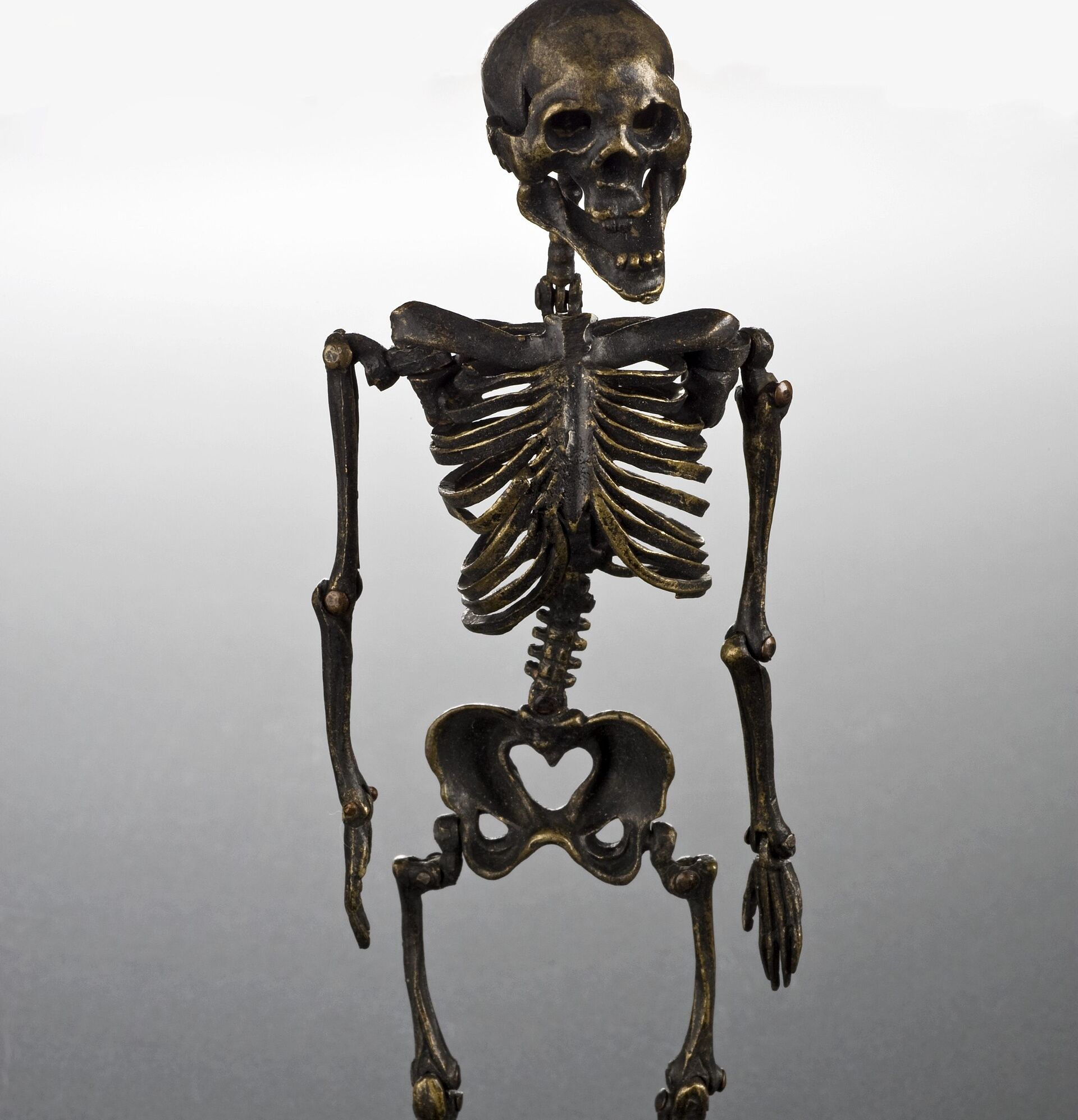
Photo: Science Museum, London, via Wellcome Collection, CC BY 4.0